How to Share a World (Step‑by‑Step)
Last updated 8 months ago
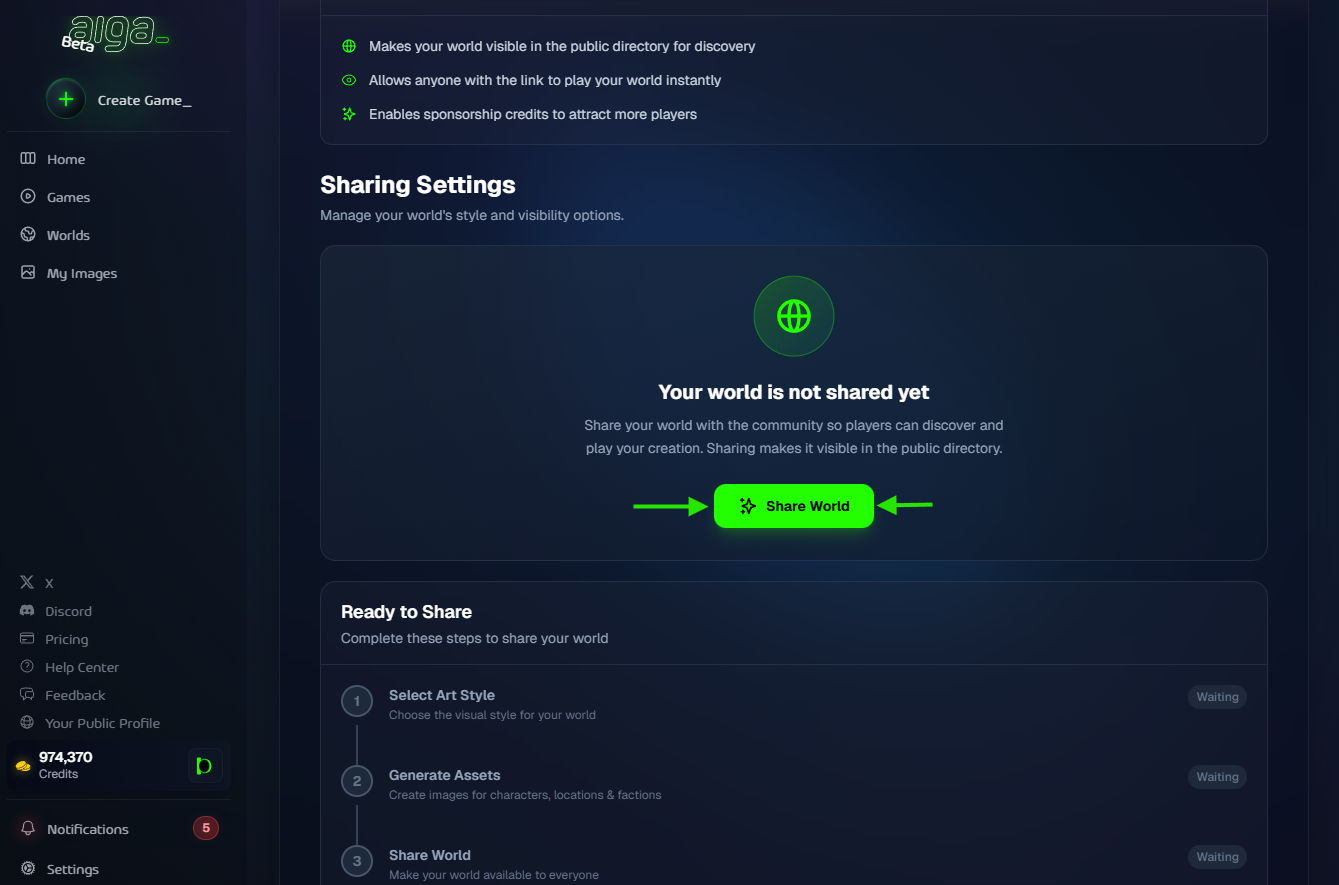
Sharing a world is a guided process inside the world’s Share tab. You select an art style, generate required assets, and then share the world.
Playing the game in a private or another session will generate assets in your selected art-style, meaning you won’t have to generate them again to share the world.
Step 1: Open Share
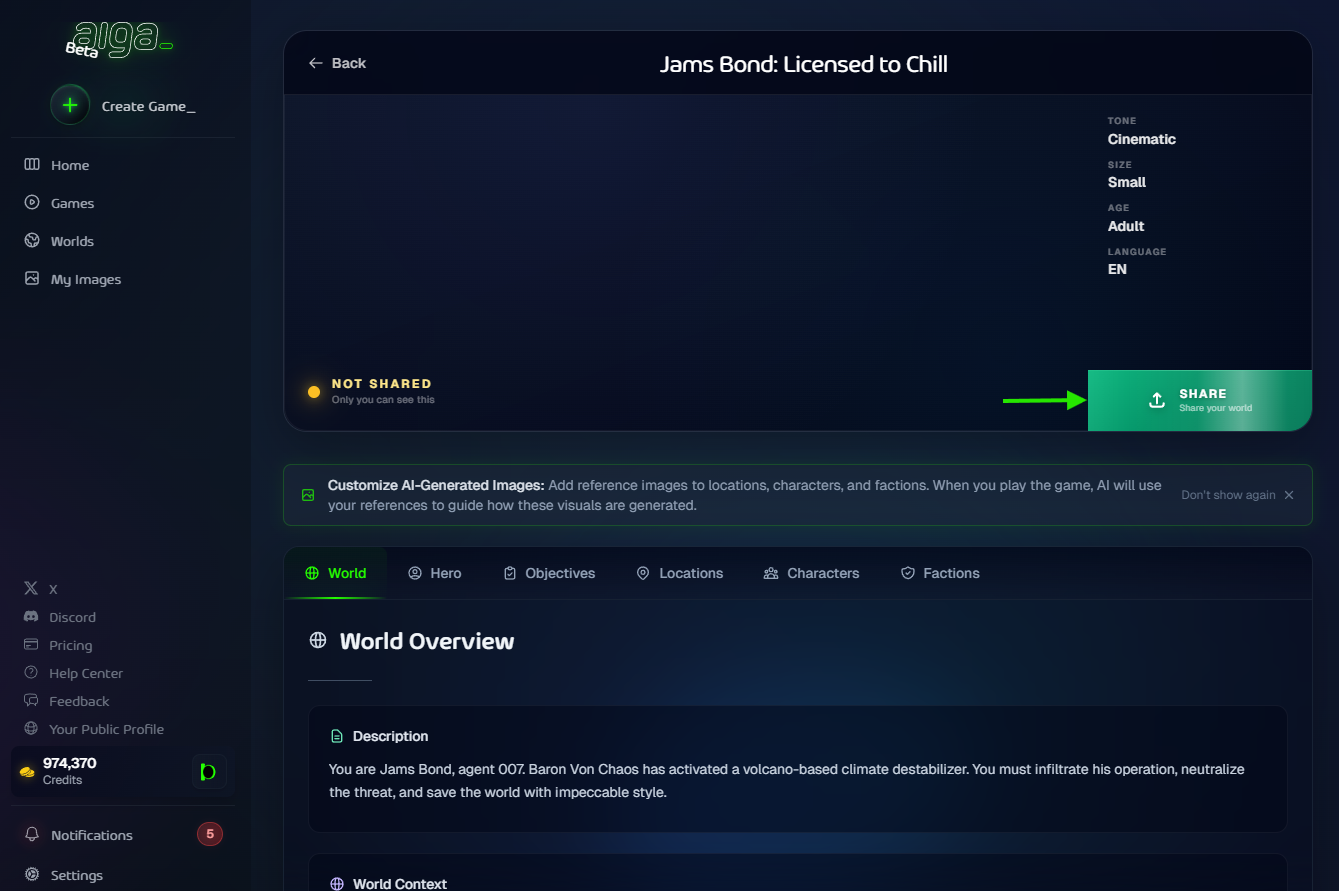
Go to Worlds and open your world.
Click the Share button in the world header.
Click Share World to start.
Step 2: Select an Art Style
Choose the visual style for how the world will look to players.
This style determines the look of all images (banner, characters, factions, locations).
Step 3: Generate Required Assets
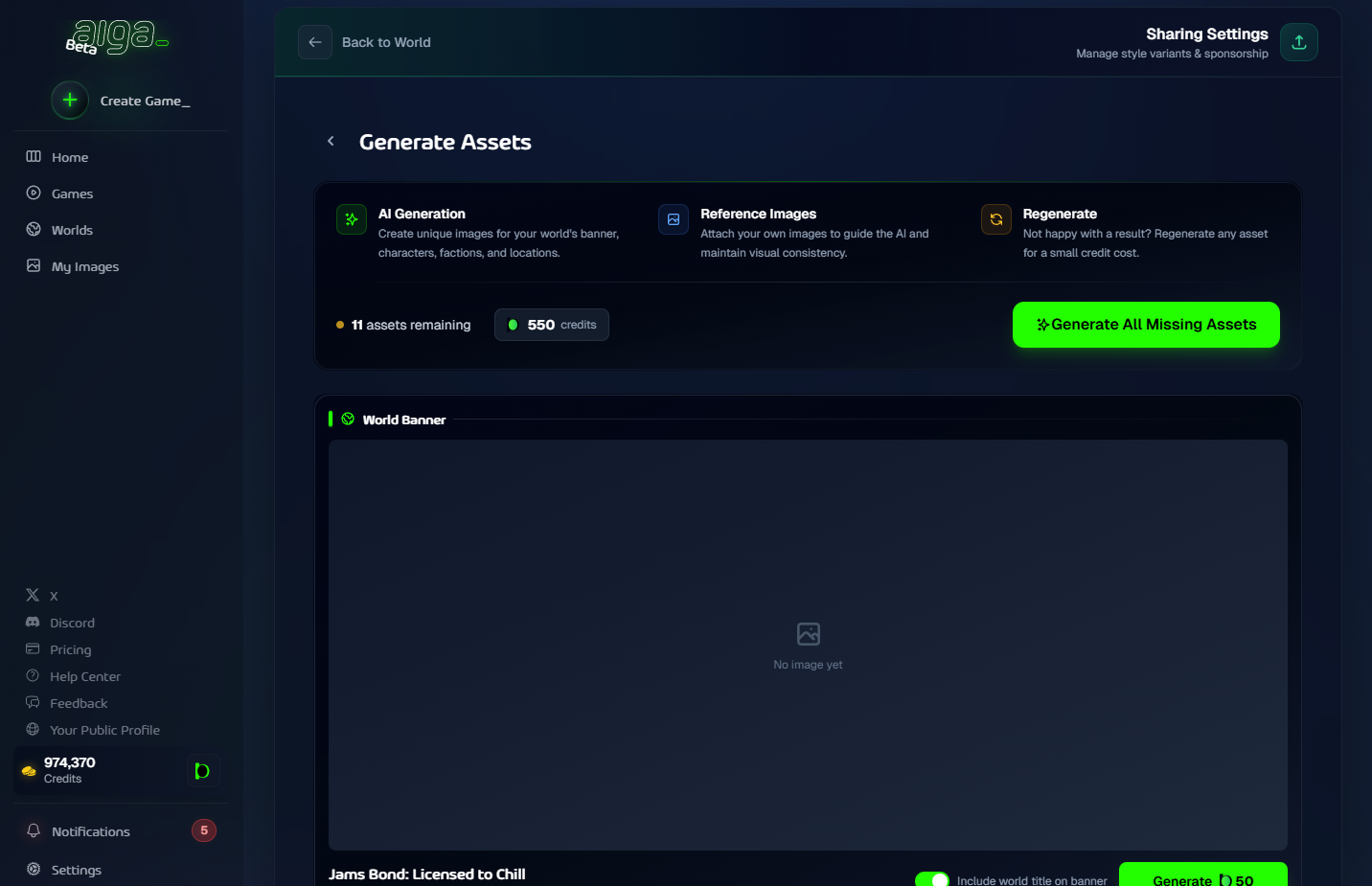
You’ll generate:
World banner
Characters
Factions
Locations
If your world doesn’t include characters/factions/locations yet, you’ll only see the banner requirement.
Step 4: Review & Share
After assets are complete, click Review & Share World, and on the next step click Share World.
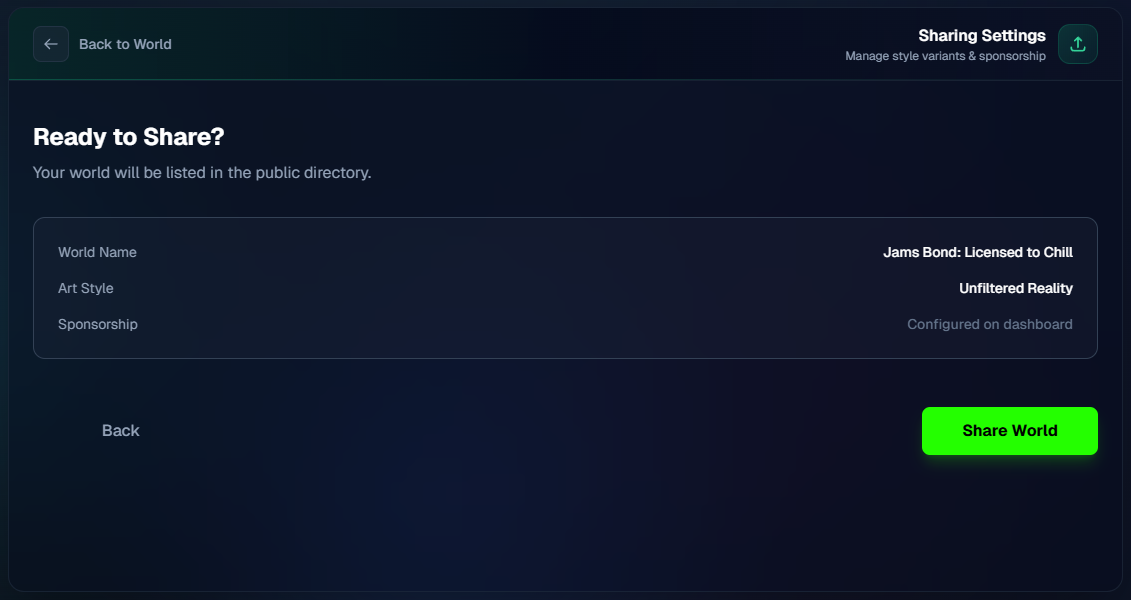
Your world is now live and visible in the Shared Worlds directory.
Notes
The creator pays for asset generation.
If you already generated assets in a style, they count toward completion.