Connect Discord to aiga_
Add the aiga_ bot to your server and link it to your account with an integration key. Takes about two minutes.
Last updated About 1 hour ago
Run aiga_ games right in your Discord server: the story is posted in a channel, and everyone votes on what happens next with buttons. Setup takes about two minutes. You need the Administrator or Manage Server permission in that server.
1. Get your integration key
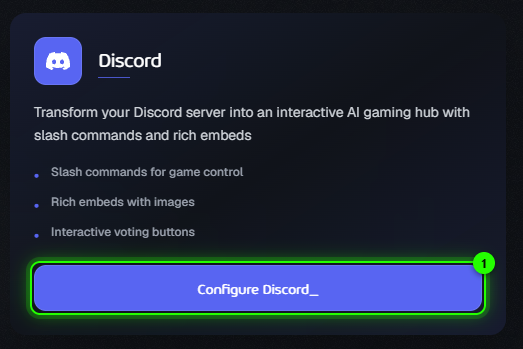
In aiga_, open Account → Connections and click Configure Discord_.
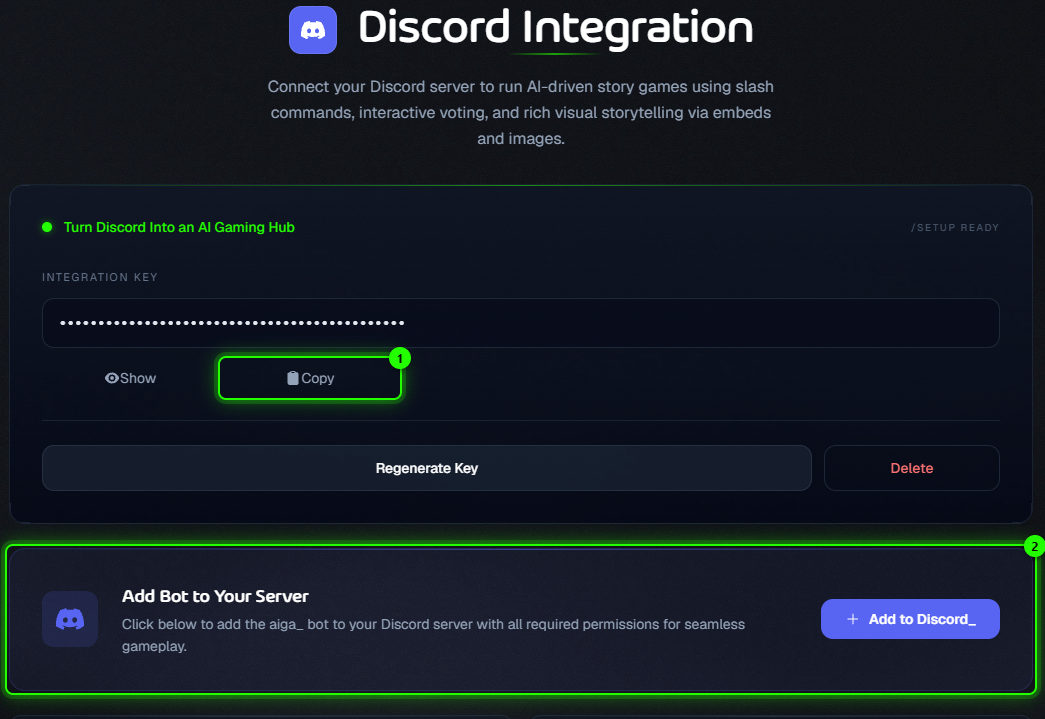
Under Integration Key, click Generate Key. The key stays hidden; click Copy (1) to copy it. You can come back here any time to copy it again.
2. Add the bot to your server
On the same page, under Add Bot to Your Server (2), click Add to Discord_.
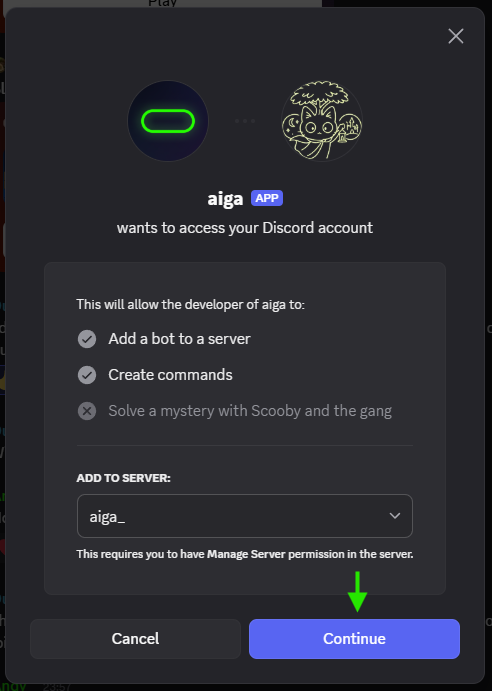
Discord asks where to add the bot. Pick your server and click Continue.
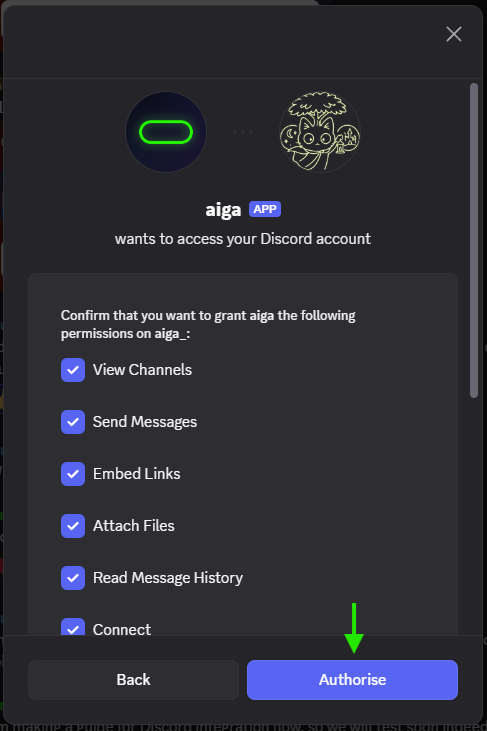
Leave all permissions ticked and click Authorize. The aiga_ bot is now in your server.
3. Link the server with /setup
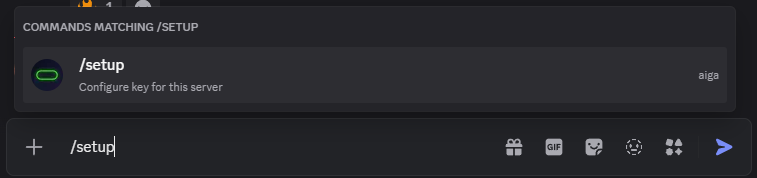
In any channel of your server, type /setup and send it.
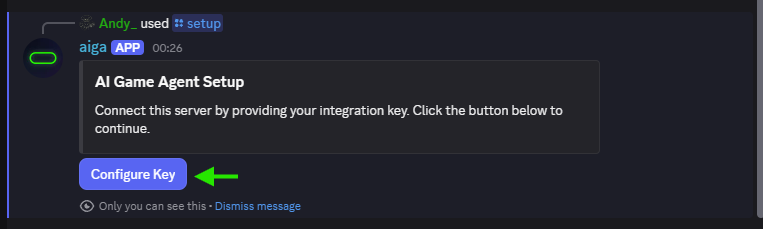
The bot replies with a message only you can see. Click Configure Key.
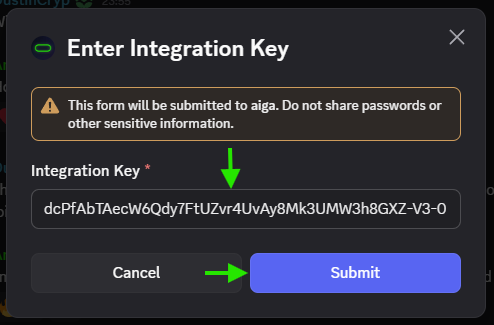
Paste your integration key into the Enter Integration Key window and submit.
You’ll see ✅ Guild linked successfully. You can now use /games in this server.

Keep your key private. Anyone who has it can link a server to your account. If it leaks, click Regenerate Key on the Discord Integration page, then run /setup again in your servers with the new key.
What’s next
Start and Launch a Game in Discord: create your first game and activate it in a channel.
Discord Commands and Troubleshooting: every command, the game controls and fixes for common messages.
To disconnect a server, remove the aiga_ bot from it in Discord’s server settings.
Was this helpful?
Still need help? Ask the team